How to do restaurant email marketing
Your guest list is the one audience you own. Collect addresses with consent, send the confirmation and reminder guests expect, then send a relevant offer to the right people's phones — and bring back the ones who drifted.
- Emails you own, with consent
- Confirmations & reminders by email
- Offers to the right guests
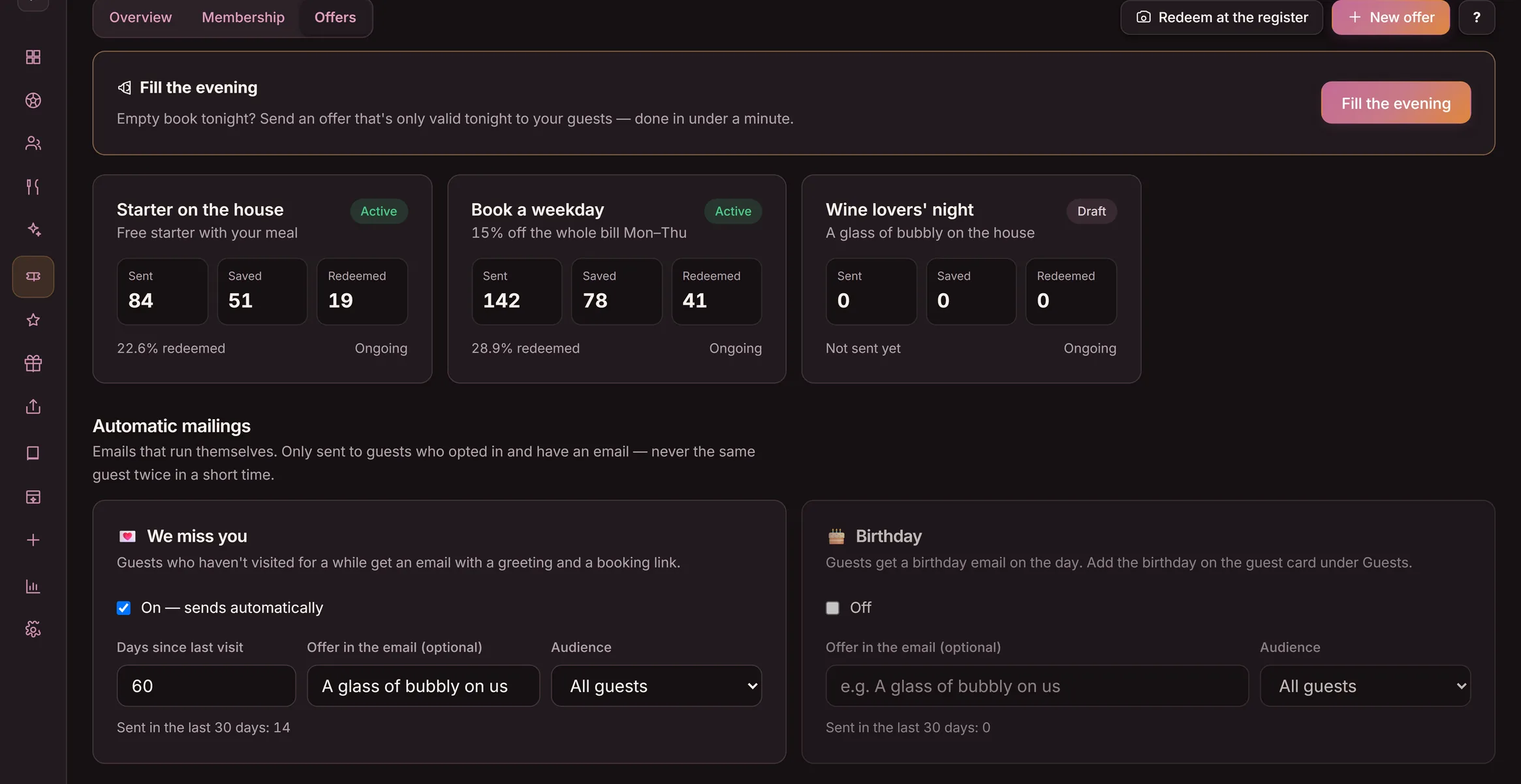
Restaurant email marketing is emailing guests who chose to hear from you, on addresses you own in your guest list: reservation confirmations, reminders and offers. In Goboblo, email carries the confirmation and the reminder, and offers reach the guest's phone as a notification. Confirmations and reminders go out by email on their own. For an offer, you pick a segment of the list, the coupon carries a code and QR, and you see who opened and redeemed it. There is no per-guest fee to reach the people on your own list.
- Collect with consent
- Confirm & remind
- Keep offers simple
- Send to the right guests
- Win-back
- Measure
Restaurant email marketing in five steps
Do the steps in order — step 1, collecting addresses with consent, is the one that decides whether everything after it is allowed.
- 1
Collect with consent
Capture emails where guests already give them — a reservation, a loyalty sign-up, a quick form — and store the consent next to each address, so you only send offers to people who agreed.
- 2
Send the basics first
Reservation confirmation and a reminder before the visit. These are expected, they get opened, and they teach guests your name shows up in the inbox for a good reason.
- 3
Keep each offer simple
One offer, one reason, one end date. A plain offer a guest understands in ten seconds beats a busy one they skip. It reaches the guest's phone with a code and QR.
- 4
Send to the right guests
Pick a segment of the guest list — lunch regulars, people who booked but never returned — and send the offer to their phones, not to everyone.
- 5
Win them back and measure
Send a targeted offer to the phones of guests who went quiet, then watch who opened and redeemed it so the next offer is sharper.
Steps 2–3 in practice: the right group, the right send
This is the Send view with the demo location's real values. Pick who should get the offer — the groups are the same ones you build in step 2 — and watch the consent filter do the step 1 job automatically.
- You build the offer: what the guest gets, when it's valid and for how long.
- You pick the audience: all guests, a preset group — or individual guests from your guest list.
- Only guests who've opted in to offers are counted — guests without consent are always left out.
- Every recipient gets a personal coupon, and guests who've turned on notifications get it as a notification on their phone. You track sent, opened and redeemed in the overview — the step 5 numbers.
Pick yourself selects individual guests from the guest list — we skip that in the demo.
Only guests who've opted in to offers are counted.
23 new guests got a coupon. 23 coupons out in total. 18 got a notification on their phone.
- Every recipient got their own coupon with its own number — personal, and only redeemable once.
- Guests without consent were left out automatically — the consent filter can never be forgotten.
- The overview starts counting right away: sent, opened and redeemed — the same numbers as step 5 in the guide.
An email list you own, with consent on every address
The list is the asset. Unlike a social following, an email list is yours: you reach the guest again — reservations by email, offers on their phone — without paying for the reach, as long as they agreed to hear from you.
- Emails captured at the reservation and the sign-up
- Consent stored next to each address
- Yours to reach — no per-guest fee
Send what guests expect, then one clear offer
Start with the emails guests already want — the reservation confirmation and the reminder. They go out by email on their own and keep your name welcome in the inbox. Then keep offers plain: one offer, one reason, sent to the guest's phone.
- Confirmation and reminder sent automatically by email
- One offer, one reason, one end date
- Less, but more relevant, keeps guests reading
Send to a segment, then win back the quiet ones
A relevant offer beats a blast. Pick a segment of the guest list and send the offer to their phones. For guests who stopped coming, send a win-back offer the same way and track who opened and redeemed it.
- A targeted offer to a chosen segment
- Win-back to guests who went quiet
- See who opened and redeemed each offer
What changes for the restaurant
Same guests, two ways to reach them. Goboblo keeps the address, the consent, and the visit on one guest profile, so each confirmation, reminder and offer goes to the right person.
- A list rented inside a reservation platform you do not control
- No record of who agreed to hear from you
- The same blast to everyone, every time
- No way to see who opened or came back
- Emails you own, captured at the reservation
- Consent stored next to every address
- A targeted offer to the right segment's phones
- Sent, opened and redeemed in one view
Built on the list you already keep
How does restaurant email marketing work?
What is restaurant email marketing?
Restaurant email marketing is emailing guests who chose to hear from you, on addresses you own in your guest list: reservation confirmations, reminders and offers. You reach them directly instead of paying a platform for every guest you touch. In Goboblo, email carries the confirmation and the reminder, and offers reach the guest's phone as a notification.
How do I collect guest emails for marketing?
You collect emails at the points guests already give them: a reservation, a loyalty sign-up, or a quick form. Each address sits in the guest list with the consent the guest gave, so you only send offers to people who agreed. With Goboblo the reservation already captures the email and the consent in the same step.
How often should a restaurant email guests?
By email: the reservation confirmation and the reminder, once per visit. That is what guests expect and what they open. In Goboblo, offers are a separate channel — they go to the guest's phone as a notification, and you send one only when you have a real reason. Fewer, more relevant offers keep guests reading.
Do I need a separate email tool?
You can run the parts most restaurants need from the guest list you already keep. Reservation confirmations and reminders go out automatically by email, and you can send a targeted offer to a segment of guests — it reaches them as a notification on their phone — and track who opened and redeemed it. If you want longer newsletters later, you can run those in a separate tool alongside.
Is restaurant email marketing better than social media?
Your own guest list reaches guests you own; social reaches an audience the platform owns and can throttle. A guest who gave you their email and chose to hear from you is a guest you can reach again — reservations by email, offers on their phone — without paying for the reach. Use both, but treat the owned guest list as the asset you keep. See pricing.
Where you build and run the email list
The steps above run on the same guest list as the rest of your service. Goboblo's restaurant CRM software keeps each email, the consent the guest gave, and the guest's visits on one profile — so a confirmation, a reminder, and a targeted offer all go to the right person. The offer mechanic comes from the same place that runs your restaurant loyalty programs: pick a segment, send to the phone, and see who opened and redeemed it.
Build on the list
Reaching guests gets easier once the address, the consent, and the visit share one guest profile with the rest of your flow.
Restaurant CRM software
The hub that keeps every guest email, the consent they gave, and their visits on one profile — the groundwork email marketing runs on.
See the platform →Win-backWin back restaurant guests who stopped coming
The exact play for the quiet ones: find them in the guest list, send an offer to their phone, and see who comes back.
Read the win-back plan →LoyaltyRestaurant loyalty programs
The reason guests act on your offers in the first place — a reward they are working toward, tied to every visit.
See loyalty programs →Build the listBuild a restaurant guest database
Where the emails come from: how to collect addresses and consent at the reservation and the sign-up, without slowing service.
Read how to build it →Guest profilesRestaurant guest profiles
What sits behind each address — visits, preferences, and consent — so the right message reaches the right guest.
See guest profiles →PricingSee pricing
What it costs to keep the guest list and reach it — no per-guest fee on the people you already own.
See pricing →Reach the guests you already have
Book a short demo and we will show the guest list, the consent on each address, the confirmations and reminders, and a targeted offer in a real restaurant flow.