QR menu for restaurants
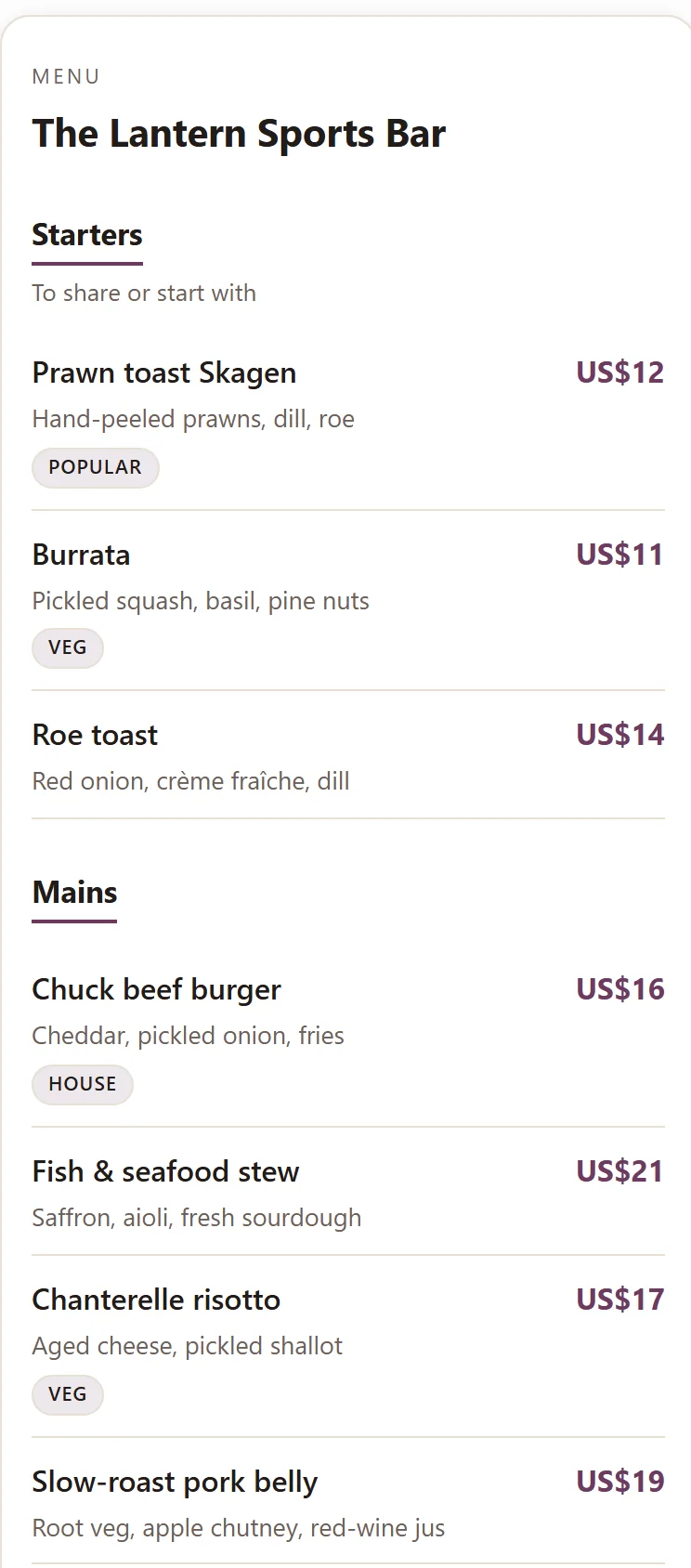
Guests scan the QR code at the table and see an always-current menu on their phone — no app, no login. You edit dishes and prices in one place, and every guest who scans sees the current menu.
- No app for guests
- 0 commission on your own bookings
- Always the latest menu
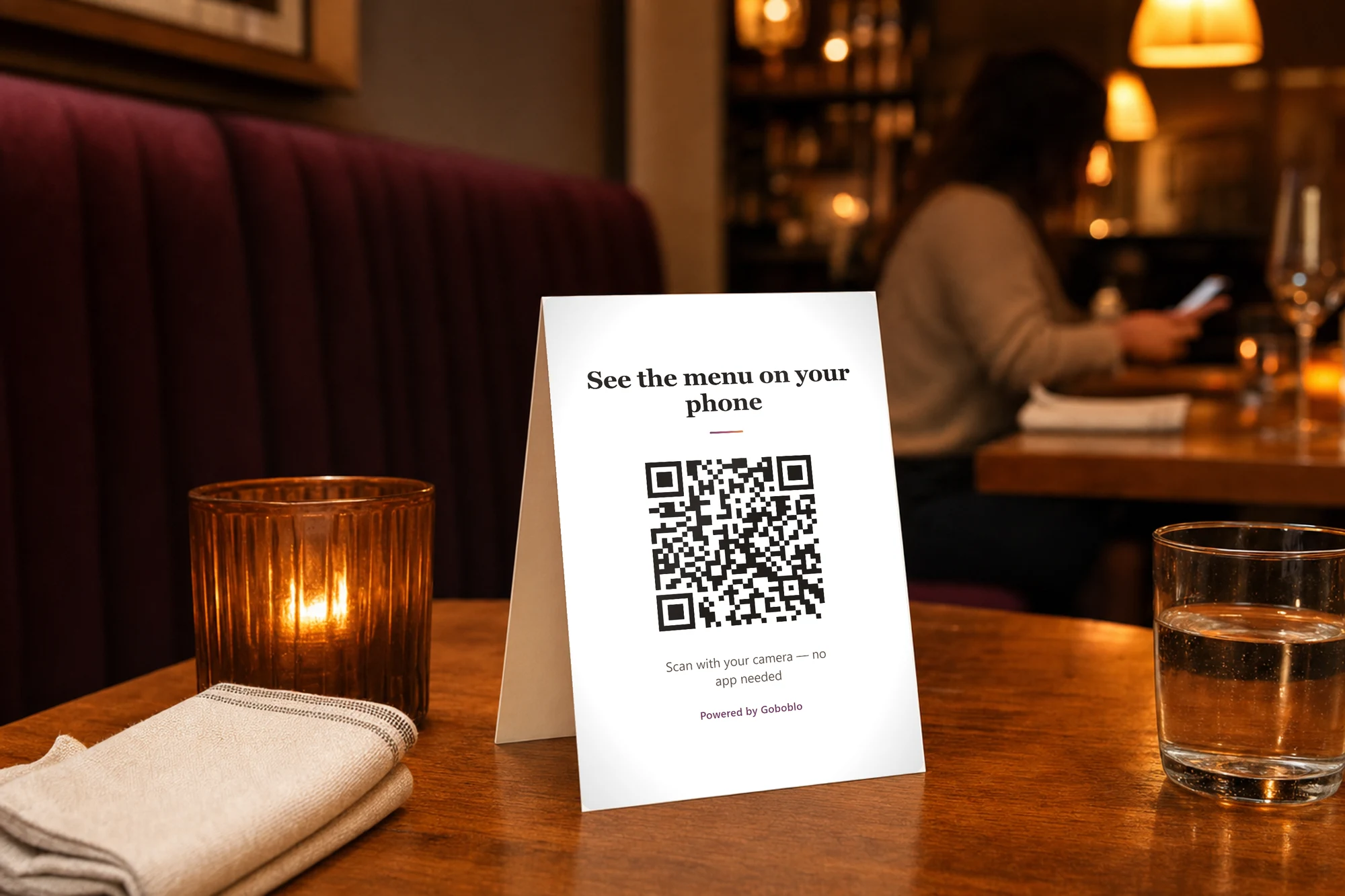
A QR menu is the digital menu a guest sees on their phone after scanning a code at the table — no app, no login. Goboblo always shows the latest menu, so a sold-out dish, a new item, or a changed price shows for the next guest who scans, with no reprint.
- No app
- Always the latest menu
- Allergen labels
- Daily specials
- Multiple languages soon
- Free to start
Guests scan and see the menu in two seconds
The QR code sits on the table or the menu stand. The guest points the camera at it and the digital menu opens in the browser — no account, no download, no login to get in the way.
- One QR code for the venue — on tables, stands, or a sign
- Opens in the browser on iPhone and Android
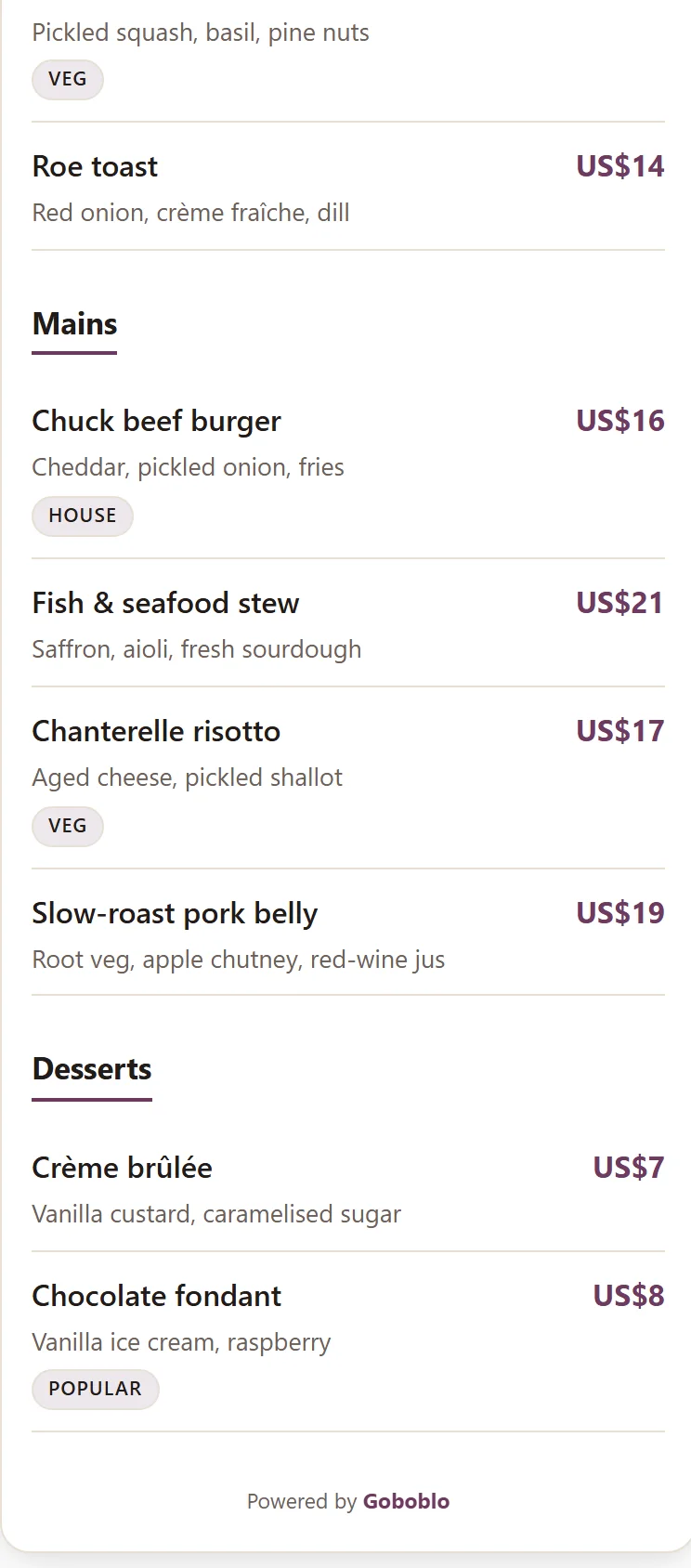
- Dishes, prices, and photos right away
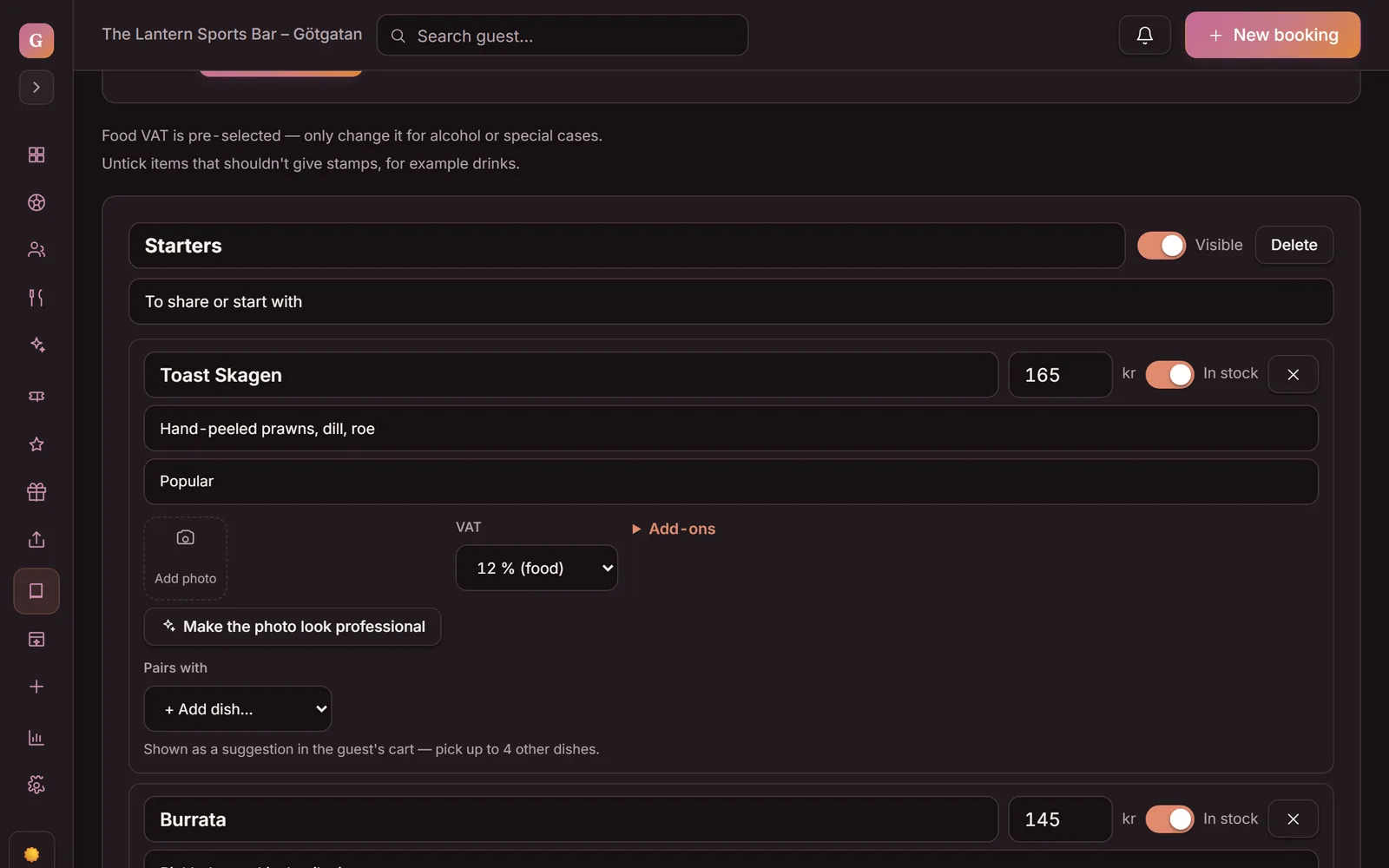
Edit the menu once, guests see the latest
Raise a price, swap the daily special, or mark a dish sold out. You update in the dashboard, and every guest who scans after that sees the right version — with no reprint and no trip to the printer.
- Out of a dish? One tap — it shows as “Sold out today” on the guest's menu
- Swap the daily special in twenty seconds
- No two-day-old printed menu left on the table
Allergen and dietary labels on every dish
Each dish can carry allergen and dietary labels, so guests see gluten-free, dairy-free, and vegetarian without asking a server. A multi-language menu for tourists is planned and coming soon.
- Gluten-free, dairy-free, vegetarian, vegan
- Fewer questions to the kitchen during service
- Multiple languages on the phone — coming soon
Printed menu vs QR menu
A printed menu starts lying the moment the kitchen runs out or you raise a price. A QR menu does not — it lives in the same engine as the floor plan, the guest profile, and the booking.
- A reprint every time a price changes
- Nothing tells the guest a dish is sold out
- Allergens mean a question to a server
- A torn or worn menu means another print run
- Edit in one place, guests see the latest menu
- Sold-out dishes marked “Sold out today” with one tap
- Allergen and dietary labels on every dish
- One QR code for the room, nothing to reprint
Scan the code — it's real
Point your phone camera at the code and a demo menu opens, just like it does for the guest at the table. No app, no login. Reading this on your phone? Tap the code instead.
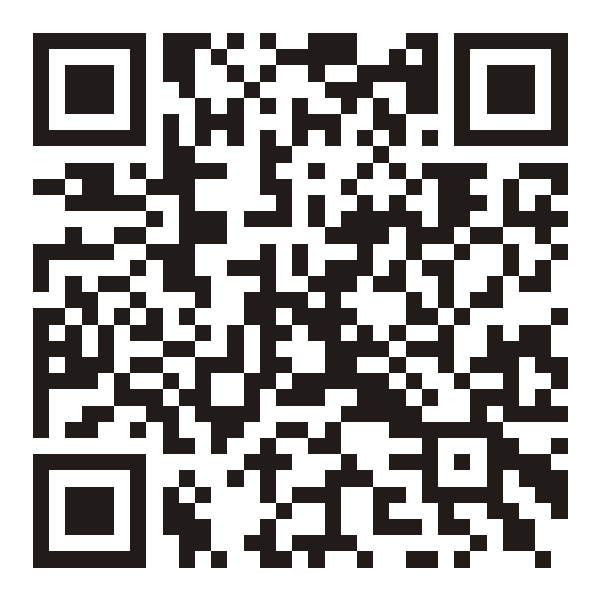 Opens the demo menu — goboblo.com/en/demo-menu
 One menu, free to start
The QR menu is part of the whole guest flow
The QR menu doesn't stand on its own. It sits inside the same restaurant reservation software that takes table bookings and keeps the floor plan right. The QR code belongs to the venue, and you run the menu from the same view as your table management and the live floor plan in the room.
Show the daily special in the menu and you can steer the weekday rush with a lunch coupon on the guest's phone. And since the guest already has their phone out, the same engine builds repeat visits through Goboblo's restaurant loyalty program — booking, menu, and regulars on one guest profile.
What operators ask about the QR menu
What is a QR menu for restaurants?
A QR menu is your digital menu on the guest's phone. The guest scans a QR code at the table and sees dishes, prices, and allergens right away, with no app and no login. You edit the menu in one place in the dashboard, so every guest who scans sees the current menu — no reprint.
Does the guest need to download an app to see the menu?
No. The QR menu opens in the browser the moment the guest scans the code with their camera. No app, no account, no login. The digital menu loads in about two seconds, on iPhone or Android alike.
Can I update the menu myself?
Yes. You change dishes, prices, and the daily special in the dashboard, and every guest who scans after that sees the current menu. When the kitchen runs out of a dish, you switch off In stock and the dish stays on the menu, marked “Sold out today”. It stays there on purpose: the guest can tell a dish that is sold out today from one you never served — and gets a reason to come back tomorrow. It's the same view you run table management and the floor plan from, so the menu and your tables live in one system. If you have our restaurant website, it shows the same menu as the QR code — you change it once, and the guest sees the same thing everywhere. If you sell food for collection, guests order straight from that same menu — that is how it works for pizzerias.
Does the QR menu show allergens and dietary labels?
Yes. Each dish can carry allergen labels and dietary labels, so the guest sees gluten-free, dairy-free, or vegetarian without asking a server. A multi-language menu for tourists and non-English speakers is planned and coming soon.
Can guests order and pay through the QR code?
No, and that is deliberate. The QR menu shows the menu — orders and payment on the premises stay in your till, as usual. We do not rebuild your till and we do not take that part over. If you want orders and payment on the phone, that is Order & pickup: the guest orders and pays from home and collects the food ready.
What does the QR menu cost with Goboblo?
The QR menu comes with booking — on the free tier too. Booking is free for up to 25 bookings a month per venue, no card and no time limit. Need more? Unlimited is $29 a month, first month free and the price locked for life, and you can add the lunch card on the same invoice. The same restaurant reservation software keeps your tables, guests, and menu in one system. You pay 0 commission on your own bookings, and only when you earn.
Want to see the QR menu at your restaurant?
Book a short demo and we'll walk through the digital menu and allergen labels, and how it ties into booking and Order & pickup — in a concrete restaurant flow.